
Tips for Creating a Productive Home Office Space
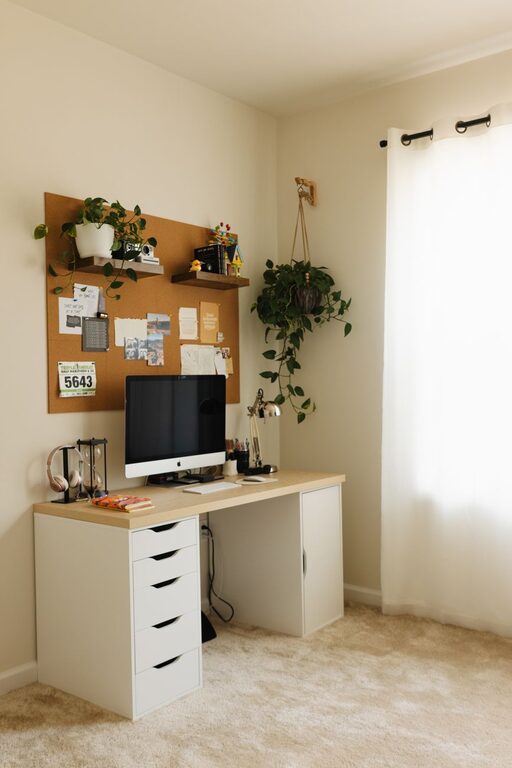
Creating a productive home office space is essential for anyone working remotely or managing tasks from home. A well-planned workspace can help improve focus, reduce distractions, and enhance your overall work experience. In this post, we’ll explore practical tips to design a home office that supports productivity and well-being.
1. Choose the Right Location
Selecting the best spot in your home for your office is the first step toward creating a productive environment.
– Quiet area: Pick a location away from high-traffic zones where noise and interruptions are minimal.
– Natural light: Set up near a window if possible; natural light improves mood and energy.
– Dedicated space: Even a small corner can work if dedicated solely to work, helping you separate professional tasks from home life.
2. Invest in Comfortable and Functional Furniture
Your furniture plays a significant role in comfort and productivity.
– Ergonomic chair: Choose a chair with good back support and adjustable features to prevent strain during long hours.
– Desk space: Ensure your desk offers enough surface area for your computer, notes, and any other tools you use regularly.
– Standing options: Consider a sit-stand desk or a desk converter to vary your posture throughout the day.
3. Organize Your Workspace
A clutter-free space helps keep your mind clear and focused.
– Storage solutions: Use shelves, drawers, and organizers to keep supplies and documents tidy.
– Cable management: Use clips and ties to manage cords and prevent tangling.
– Daily tidying: Spend a few minutes each day decluttering your workspace to maintain order.
4. Minimize Distractions
Creating a distraction-free environment supports better concentration.
– Device settings: Turn off non-essential notifications on your phone and computer during work hours.
– Use noise control: Noise-cancelling headphones or a white noise machine can help block out background noise.
– Communicate boundaries: If you share your home, let others know your work schedule and ask for quiet during those times.
5. Personalize Your Space
Personal touches can make your home office more inviting and motivating.
– Plants: Adding greenery can improve air quality and add a calming effect.
– Inspiring decor: Use artwork, photos, or motivational quotes that boost your mood.
– Lighting: Besides natural light, invest in adjustable task lighting to reduce eye strain and enhance focus.
6. Set Up Proper Technology
Reliable and efficient technology helps prevent frustration and interruptions.
– Strong internet connection: Ensure your Wi-Fi is robust enough for video calls and online tasks.
– Quality equipment: Use a good monitor, keyboard, mouse, and headset to improve comfort and performance.
– Backup plan: Keep a charger, battery backup, or alternate device handy if technical issues arise.
7. Create a Daily Routine
Establishing routines can foster consistency and discipline.
– Regular hours: Set consistent start and end times for your workday.
– Break schedule: Take short breaks every hour to stretch and refresh your mind.
– Workspace rituals: Begin your day with a quick tidy or a cup of coffee at your desk to signal the start of work time.
8. Maintain Good Posture and Health
Your physical well-being is important for sustained productivity.
– Posture: Sit with your feet flat, back straight, and elbows at a 90-degree angle.
– Movement: Stand up and move around periodically to reduce stiffness.
– Hydration and nutrition: Keep water nearby and have healthy snacks available.
—
Designing a productive home office space takes some planning but pays off with improved focus and satisfaction. By selecting the right location, organizing efficiently, minimizing distractions, and prioritizing comfort, you’ll create a workspace that works for you. Remember that small changes can make a big difference in your work-from-home experience.
Related Post
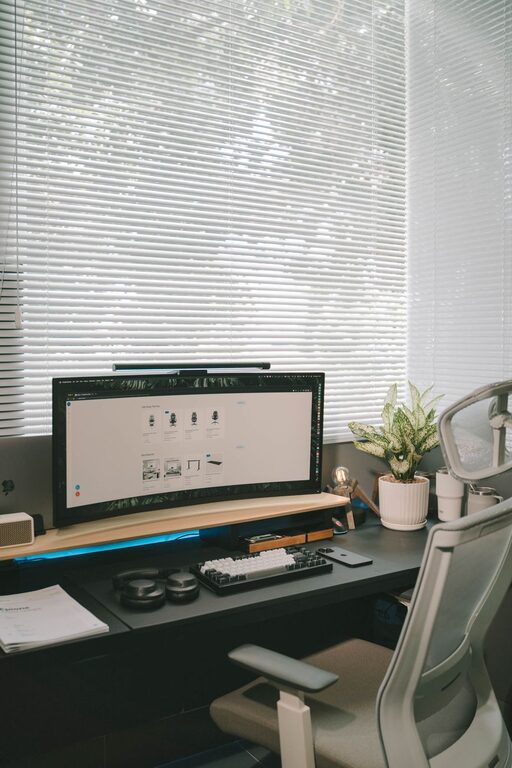
Tips for Creating a Productive Home Office Environment
Discover practical tips to design a home office that boosts focus, comfort, and productivity, helping [...]

Tips for Creating a Cozy and Inviting Reading Nook at Home
Discover simple and effective ways to design a cozy reading nook that invites relaxation and [...]
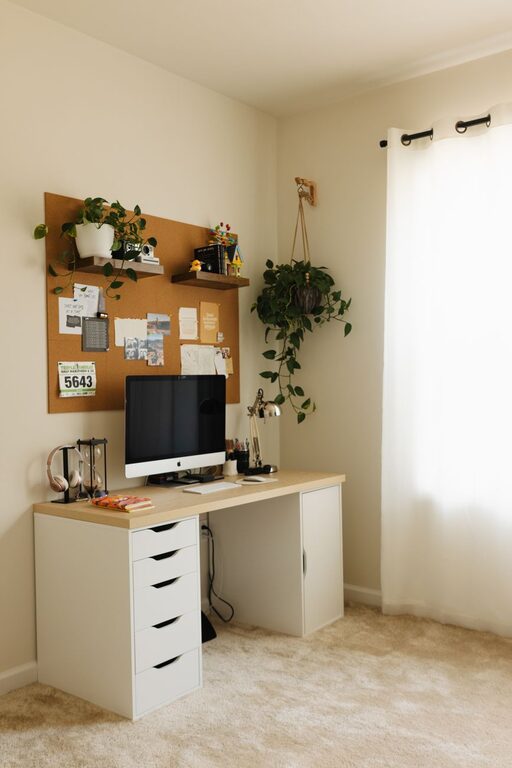
Tips for Creating a Cozy and Productive Home Office Space
Discover practical tips to design a home office that feels comfortable and boosts your productivity [...]